Published 16 May 2026 · Mobile App Safety · Malaysia focus

Mobile Gaming Agent Safety Checklist for Malaysian Users

A neutral checklist for reviewing support claims, APK source details, privacy requests, and account-safety red flags before sharing personal information.

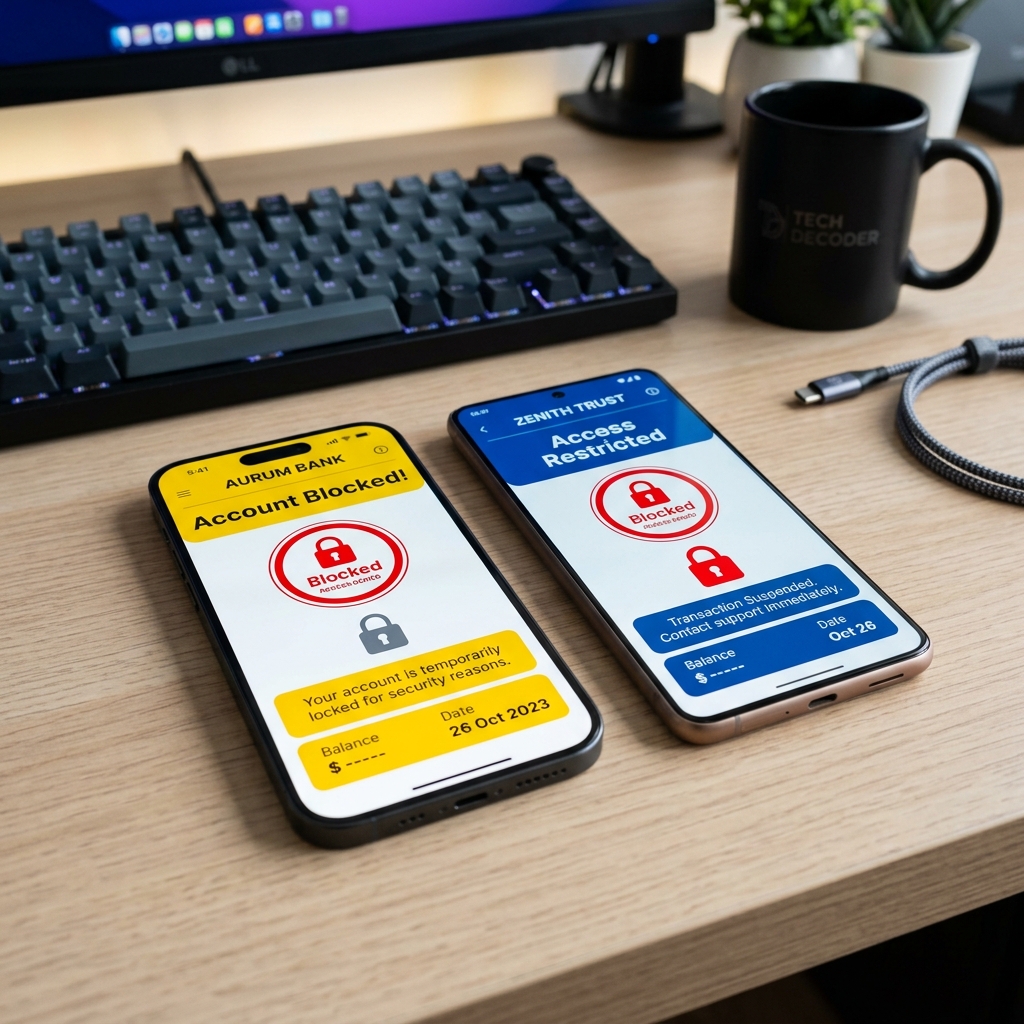
Mobile app safety checklist concept for Malaysian users reviewing privacy and payment risks.

Agent-style support is common across parts of the mobile entertainment economy, especially where users need help with account access, app installation, local payment questions, or device troubleshooting outside a conventional app store flow. The model can be convenient, but it also creates a trust gap: a user may be speaking to an individual or small support group rather than a clearly identified company with public policies, stable contact pages, and transparent app records.

This DimSum News checklist is written for Malaysian readers who want a calm way to evaluate those claims before sharing personal details. It does not rank, endorse, or recommend any specific agent. Instead, it treats every claim as something to verify. The same habit is useful when comparing Asian streaming apps in Malaysia, reviewing e-wallet prompts, or deciding whether an APK source looks consistent enough to investigate further.

Why Some Apps Use Agent-Style Support

Some mobile entertainment apps rely on agent-style support because their users do not all arrive through the same path. One user may be on an older Android phone, another may be switching devices, while another may need help understanding a local payment screen or account recovery step. In Malaysia, where Android devices, prepaid mobile plans, e-wallets, and multilingual support needs overlap, small support teams sometimes act as a bridge between the app operator and the user.

The highly fragmented nature of mobile devices in the region also plays a role. Without the centralized, one-size-fits-all infrastructure provided by a primary app store, developers occasionally push customer onboarding to regional delegates. These delegates, or agents, offer localized language support and familiar chat-based interaction via WhatsApp or Telegram. However, the problem is that "support" is incredibly easy to imitate. A polished profile picture, fast replies, or familiar app screenshots do not automatically prove that a channel is accountable or operating legitimately.

Safer evaluation starts with boring evidence: a stable website, clear policy pages, consistent contact information, versioned app files, and support staff who do not push users into rushed decisions. Cultivating a habit of checking these baseline facts is your first line of defense against mismanaged data.

Start With Identity and Accountability

Before discussing account details or device specifications, check whether the support channel can point to a public website with a readable privacy notice, terms page, and contact route. Look for a domain that stays consistent across pages, not a rotating collection of shortened links or IP addresses posing as official portals. If a name, logo, or screenshot is being used, run a quick search for mismatches: copied images, inconsistent spelling, outdated app icons, or claims that appear only in private messages.

Also consider whether the channel behaves like a real support desk. A credible support process should answer basic technical questions without demanding sensitive information up front. It should be able to explain what issue is being solved, what information is required, why it is required, and how the user can follow up later. If the only answer is a manufactured sense of urgency, treat that as a warning sign and step away from the interaction.

Red Flags Malaysian Users Should Not Ignore

The following warning signs do not automatically prove wrongdoing, but they are strong reasons to pause and verify through another route. Treat these as a baseline checklist before you proceed:

  • Pressure to deposit quickly. Urgency is often used to stop users from thinking clearly or checking details with someone they trust. Real support solves problems; it does not rush transactions.
  • No clear website or policy pages. A support channel that cannot show basic privacy, terms, or contact information is hard to hold accountable if things go wrong.
  • Fake screenshots or guaranteed-win claims. Edited images and guaranteed-win claims are aggressive marketing pressure, not evidence of app safety or reliable support.
  • Frequently changed phone numbers. Constantly changing contact numbers make it harder to confirm history or trace previous conversations, effectively erasing accountability.
  • Asking for banking password or OTP. No support agent should ever need your banking password, one-time password (OTP), or e-wallet login credentials.
  • APK links with no version/file information. A bare file link without a version number, file size, source domain, or update notes is not enough to confidently evaluate.
  • No responsible play or privacy notice. Entertainment apps that involve risk, spending, or identity checks should explain user protections in plain, accessible language.

APK Safety Checks Before You Install

APK files deserve extra caution because they can bypass the review signals that users normally expect from an official app store environment. If an APK is presented as necessary for your device, ask for details before downloading or opening the file. The file name should look specific rather than generic. A name such as an app label plus a version number (e.g., app-name-v3.2.apk) is far more reviewable than a vague "latest.apk" file that changes daily without explanation.

Check the version, file size, source domain, and update history. If a support channel says the file is version 3.2.1, the landing page and file name should not quietly show something else. File size should also be stable enough to document. A major size change is not always suspicious, but it should come with clear update notes. Where possible, keep a record of the date, file name, version, file size, and page URL before installing.

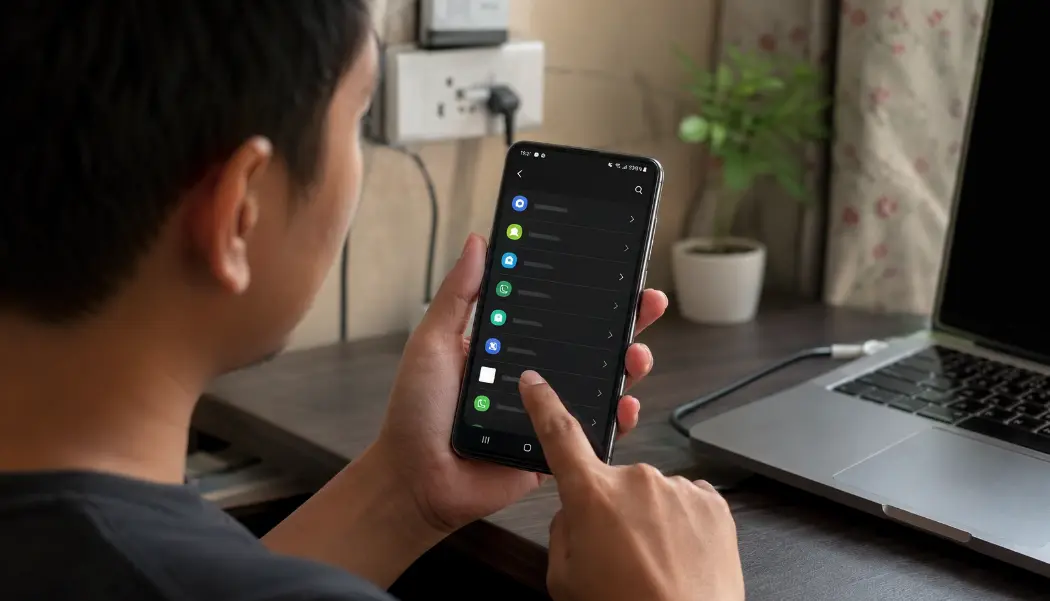
On Android devices, take the time to read the permission screen instead of blindly tapping through it. Pay close attention to requests for SMS access, notification reading, accessibility control, contact lists, storage access, or permission to install unknown apps. While some permissions are legitimate for specific app functions, a support channel should be able to explain them in plain terms. If the explanation sounds completely unrelated to the feature you are trying to use, stop the installation and reassess the situation.

Protect Your Privacy and Payment Access

The safest and most effective rule is simple: share the absolute minimum amount of information needed to solve the support issue. Never share OTP codes, banking passwords, e-wallet login details, or remote-control access to your phone under any circumstances. Furthermore, do not send an IC (Identity Card) photo unless it is absolutely necessary for a clearly explained, legally compliant process. Even then, verify whether the request is originating from a verifiable domain with a published and legally binding privacy notice.

If a support conversation involves payment apps, slow down. Malaysian users frequently keep Touch 'n Go eWallet, GrabPay, Boost, online banking apps, and telco billing consolidated on a single device. A compromised phone or leaked login credential can therefore have a cascading effect across multiple financial services. Our Malaysia e-wallet app comparison explains why reducing dormant balances and tracking payment notifications can make monthly security reviews significantly easier.

Good privacy practice also includes checking what the site explicitly says it collects and why. Read the DimSum News privacy policy for an example of the kind of plain disclosure readers should rightfully expect from any site handling user data: what specific data is collected, the justification for collecting it, and how contact can be made if a user needs to request a correction or deletion.

Support Channel Hygiene

Keep your support conversations tidy and well-documented. Save the official website URL, support representative's name, phone number, exact file link, date of interaction, and screenshots of any important claims or guarantees. If the channel changes numbers suddenly, ask for a public web page that officially confirms the new contact route. If the only answer is a forwarded screenshot or a vague text message, treat it as unverified.

Pay close attention to tone. A professional support desk can be friendly and helpful without rushing you into immediate action. It can be responsive without demanding your personal secrets. It can explain a complex technical step without asking you to disable every security protection on your phone. The moment a conversation shifts from genuine help to aggressive pressure, take a break, step back, and verify the information independently.

What To Do If Something Feels Wrong

If you suspect you have already shared sensitive information, act quickly but calmly. Change any affected passwords immediately from a separate, trusted device. Review your e-wallet and banking activity for unauthorized transactions. Make use of app security features such as device management panels, login alerts, or temporary account lock tools where available. If you believe your financial access may be exposed, contact the relevant bank or digital wallet provider directly through its official application or verified website.

You can also tell us about unclear app-safety claims or confusing support practices through the DimSum News contact page. While we cannot provide individual legal or financial advice, reader tips are invaluable in helping our editorial team spot emerging patterns worth explaining in future safety guides.

For readers researching Mega888-specific app access and troubleshooting notes, a separate Mega888 support guide may be useful.

FAQ

Should Malaysian users trust agent-style support for mobile gaming apps?

Treat agent-style support as a claim to verify, not automatic proof of safety. Check the website, policy pages, support history, APK source details, and specifically what personal information is being requested before sharing anything.

What is the biggest privacy risk when dealing with an app support agent?

The biggest risk is oversharing—giving credentials or sensitive identity details to someone who does not need them to solve your problem. Never share OTP codes, banking passwords, e-wallet logins, or unnecessary identity photos.

How can I check whether an APK link is safer to review?

Look for a stable source domain, a clear and specific file name, a stated version number, file size consistency, sensible Android permission requests, public update history, and matching details across both the website and the support channel.

Is a changed support phone number always a scam signal?

Not always, but frequent number changes make accountability and traceability much harder. It becomes a critical red flag when the service has no clear website, no policy pages, and no consistent support records to back up the change.

What should I do if I already shared sensitive information?

Change affected passwords immediately from a trusted device, enable robust app security controls, contact your bank or e-wallet provider if financial access may be exposed, and carefully document the support channel, links, numbers, and screenshots for potential follow-up.

Author

Written by the DimSum News Editorial Desk, an independent team covering Asian streaming, mobile apps, digital payments, and app-safety issues for Malaysian readers.