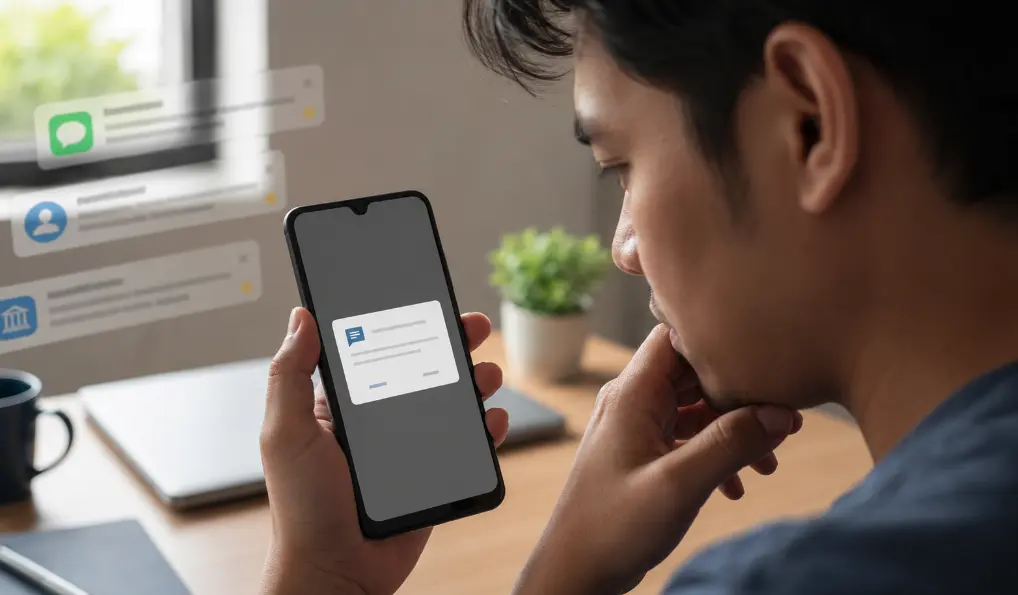
You install a slot game or online casino app, enter your Malaysian number, and wait for the verification code. But instead of just letting you manually type in the six digits, the app suddenly asks for permission to read all your SMS messages. That is the moment you need to stop tapping “Allow” on autopilot. Whether it's a generic game or a popular title like Mega888, you should always protect your inbox.
Android permissions are not proof of good or bad intent. They describe access. Your job is to decide whether the access matches a feature you can see and want to use.
What the sensitive permissions can reveal
| Permission | What it may expose | A reasonable question |
|---|---|---|
| SMS | Message content and verification codes, depending on Android version and access granted | Why can’t I type the code myself? |
| Contacts | Names, phone numbers and linked contact details | Which feature needs my full address book? |
| Notifications | Alerts displayed by other apps if notification access is granted | Is this ordinary push permission, or access to read notifications? |
| Accessibility | Powerful control used to read screens or interact with other apps | Why does a game need to control my phone? |
| Photos and files | Selected media or broader storage, depending on the Android version | Can I choose one image instead? |
Google’s own Android app permission guide explains how to review access by app or by permission type. The wording and menu location can differ between Samsung, Xiaomi, Oppo and other Android phones, but the principle is the same: permission can be denied now and reconsidered later.
SMS access deserves a particularly clear explanation
Some apps use a one-time code to verify a phone number. That does not automatically require continuous permission to read all messages. Android and app developers have narrower ways to handle verification. If the app refuses to function unless it can read SMS messages, ask why manual code entry is unavailable.
Never give a gaming support agent an OTP from your bank (like Maybank2u or CIMB Clicks) or e-wallet. A code that authorises a financial action is not a troubleshooting detail for your game account, and real customer service will never ask for it.
Contacts access is usually optional for social features
A multiplayer app may offer “find friends from contacts.” That feature should be understandable and optional. If you do not plan to use it, deny the request. Your friends did not agree to have their numbers uploaded merely because you installed a game.
Be wary when an app downloaded outside an official store requests contacts immediately, before showing its main screen. Combine that behaviour with the file’s origin. If it arrived through a chat, work through our WhatsApp gaming APK checks before opening it again.
Notification permission and notification access are different
A normal notification permission lets a game send alerts about updates or events. Special notification access can allow an app to see notifications from other apps. Those notifications may include message previews and transaction alerts. Read the Android screen carefully rather than accepting a support person’s description of it.
Accessibility access is not an installation shortcut
Accessibility services are essential tools for people who need help using a device. The access is powerful by design. A random app should not need it simply to install, update or run a basic game. If instructions tell you to enter Android settings and enable an unfamiliar service, stop.
How to review permissions already granted
- Open Android Settings.
- Choose Apps and select the game.
- Open Permissions and remove anything that does not match your use.
- Separately check Special app access for Accessibility, notification access and “install unknown apps.”
- If the APK installed but no normal game icon appears, use our missing app-icon checklist.
Permission choices are not permanent, and denying one is not rude. For an editorial comparison of major mobile client websites and common permission requests, review our Mega888 APK Malaysia website comparison and client guide. Your phone carries more of your life than any gaming account does.