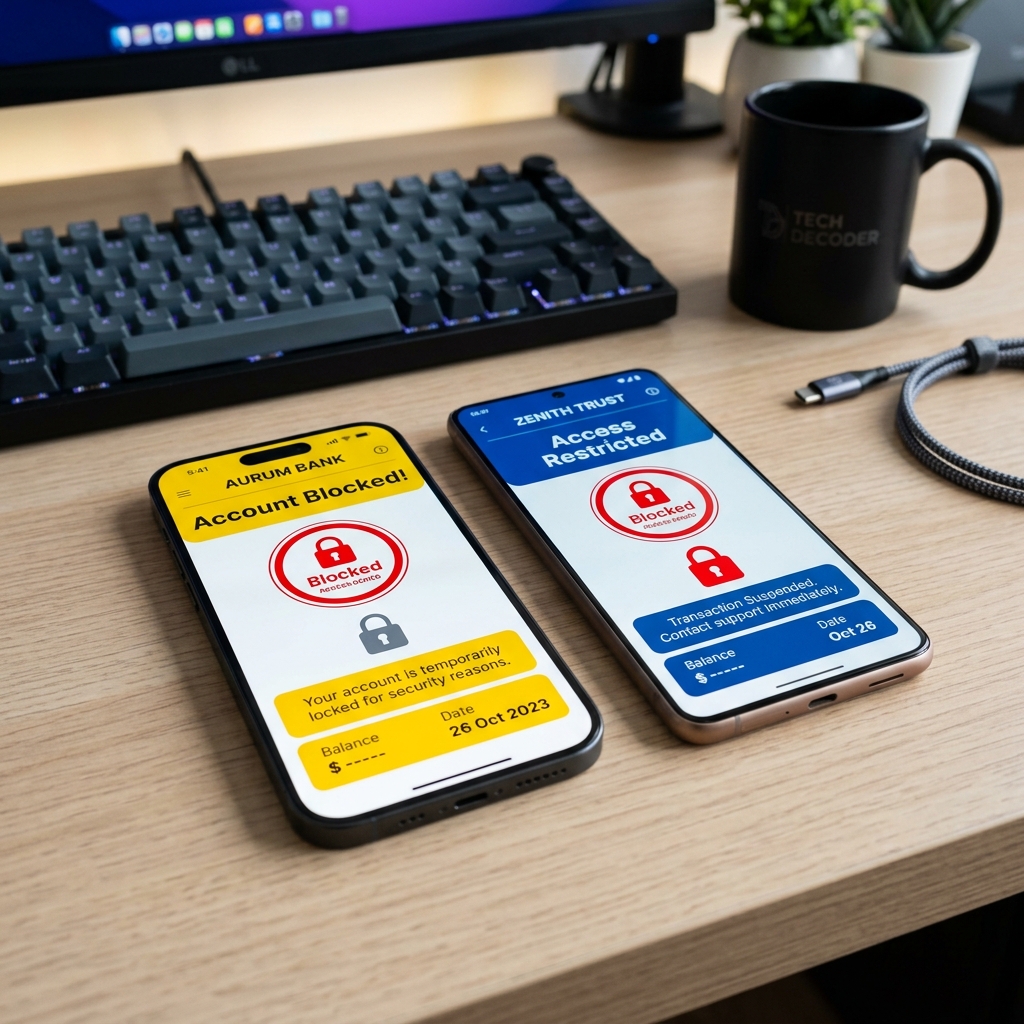
We've all been there. You're standing at the mamak counter, your teh tarik is getting cold, and a line of impatient people is forming behind you. You pull out your phone to scan the DuitNow QR code, and suddenly—BAM. Your screen turns red.
"Account Blocked. Suspicious Activity Detected."
Your stomach drops. Did a scammer wipe out your savings? Did someone clone your phone? Before you start panicking, let us reassure you: In 2026, a blocked banking app in Malaysia is actually a sign that the security systems are doing exactly what they are supposed to do. Your money is almost certainly safe; the app just locked the front door because it saw something it didn't like.
Since Bank Negara Malaysia (BNM) mandated stricter cybersecurity rules, banks like Maybank (MAE) and eWallet giants like Touch 'n Go (TNG) have implemented ultra-sensitive "Kill Switches" and background scanners. While these features are fantastic at stopping syndicates, they frequently catch regular users in the crossfire.
Here is the honest, fluff-free guide on why your account was suspended, and exactly what you need to do to unblock it today.
In This Guide:
1. Why Did My App Actually Get Blocked?
When you get the blocked error, it is rarely a human sitting in a bank office freezing your account. It is an AI background scanner. These scanners look for very specific "red flags" on your phone. If you hit one of these triggers, the app self-locks.
Trigger A: You Installed an "Unknown APK"
This is by far the #1 cause of blocked accounts in Malaysia right now. Both MAE and TNG have malware scanners running in the background. If you recently downloaded an Android app (an APK file) outside of the official Google Play Store, the banking app will refuse to open. Period.
Why? Because scammers use third-party APKs to secretly read your SMS and steal your OTPs. Even if you downloaded a legitimate third-party app (like a streaming app or popular gaming portals like Mega888), the bank's AI might flag it if the app requests too many permissions.
🚨 The "Screen Overlay" Error
If your screen specifically says "Please disable screen overlay or apps drawing over other apps", you don't have a virus. It just means a background app (like a screen recorder or a Facebook Messenger chat bubble) is active. Go to your Android Settings > Apps > Special App Access > Display Over Other Apps, and turn it off.
Trigger B: The Kill Switch or Wrong PINs
If you forgot your PIN and guessed wrong three times, the account locks. Similarly, if you logged into your account from a brand new iPhone without unbinding your old phone first, the system assumes a hacker is trying to hijack your account and activates the Kill Switch.
2. How to Unblock Maybank MAE
Maybank's MAE app is notorious for having the strictest security firewall in the country. Because of this, you generally cannot fix a blocked MAE account just by reinstalling the app or resetting your password online. You have to speak to a human.
-
1
Find and Delete the Culprit APK
Before you even call Maybank, you must clean your phone. If they blocked you because of malware, they will not unblock you until that file is gone. Go through your recent downloads and delete any app you installed via a web browser or WhatsApp link. (Not sure what to look for? Check our guide on identifying dangerous WhatsApp APKs).
-
2
Call Maybank Group Customer Care
Dial
1-300-88-6688(or +603-7844 3696 if you are overseas). Bypass the general menus and select the prompt for "Fraud" or "Online Banking Support". -
3
Verify Your Identity
The officer is going to grill you. Have your physical MyKad ready. They will ask for your IC number, your mother's maiden name, and—most importantly—the details of your last three transactions.
-
4
The ATM Reset (Worst Case Scenario)
If your account was blocked because the Kill Switch was activated, the phone agent might not be able to unlock it remotely. You will have to walk to a physical Maybank ATM, insert your debit card, and select the option to reset your Maybank2u access.
3. How to Unblock TNG eWallet
Touch 'n Go (TNG) is a bit more forgiving. Because it is a digital-first eWallet, they have built a solid online recovery system so you don't have to wait on hold on the phone.
-
1
Skip the Chatbot, Go to the Web Form
The TNG app's AI chatbot is not very helpful for blocked accounts. Instead, open a browser and go directly to the TNG eWallet Help Centre. Submit a web-form request. Select the category: "Account Login / Verification" > "Account Suspended".
-
2
The "Selfie with IC" Verification
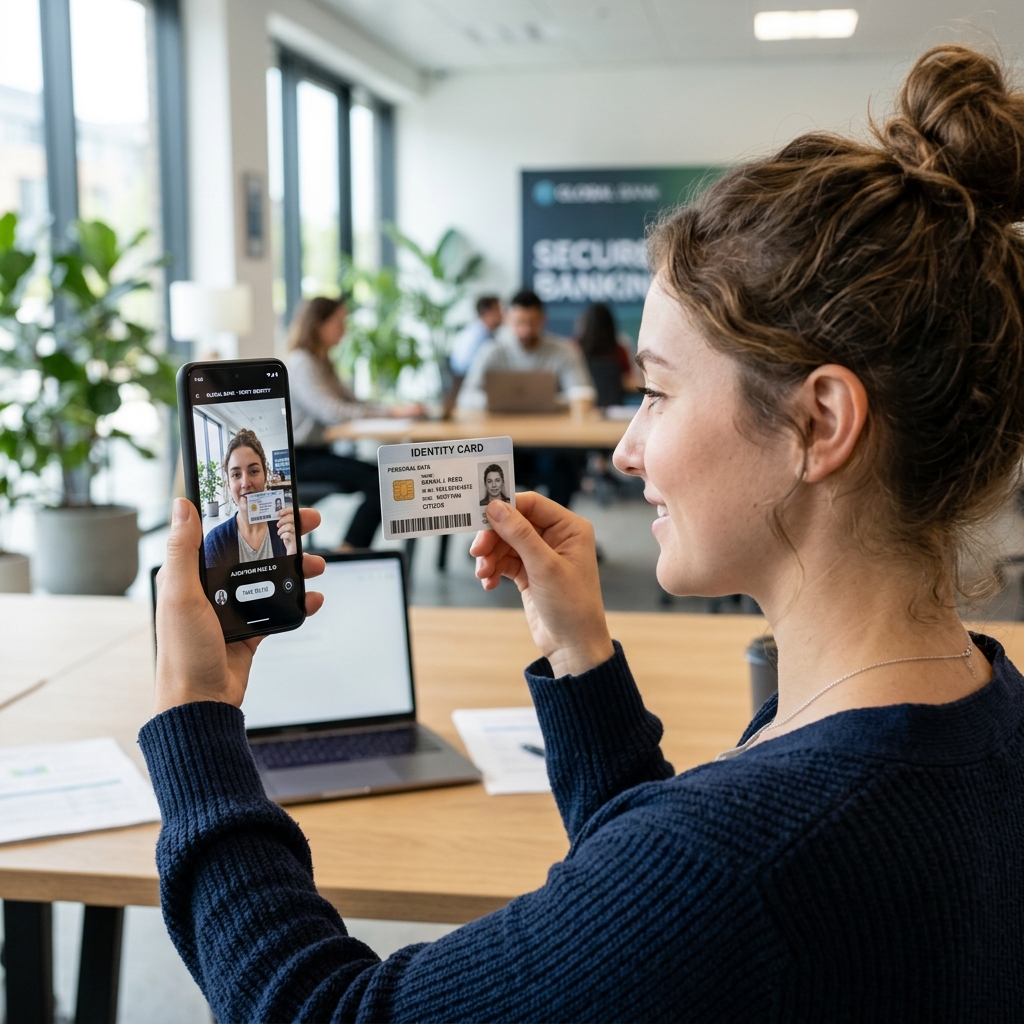
TNG's security team needs to know a hacker isn't the one requesting the unblock. You will be prompted to upload a clear selfie of your face while holding your physical NRIC (MyKad) next to your cheek.
-
3
Wait for the Email
It usually takes 24 to 48 working hours for a human agent to review your photo and lift the suspension. You will receive an email confirmation once you are good to go.
4. The Annoying (But Necessary) "12-Hour Cooling-Off" Rule
Okay, so you followed the steps, the bank unblocked your account, and you successfully logged back in. You immediately try to transfer RM100 to your friend, and... Error. Transfer Limit Exceeded.
What gives? You just hit the 12-Hour Cooling-Off Period.
Whenever you re-activate an account, change your PIN, or register your banking app on a new device, the bank places a mandatory 12-hour freeze on all high-risk transactions. You cannot increase your transfer limits or send money to new payees during this time. There is absolutely no way to bypass this. Customer service cannot override it. You just have to wait it out.
💡 The Golden Rule for the Future
To avoid going through this nightmare again, practice good digital hygiene. Only install apps from the Google Play Store or Apple App Store. If you must download a third-party gaming APK, do your research, read trusted independent reviews, and never grant an app "Accessibility" or "Read SMS" permissions.